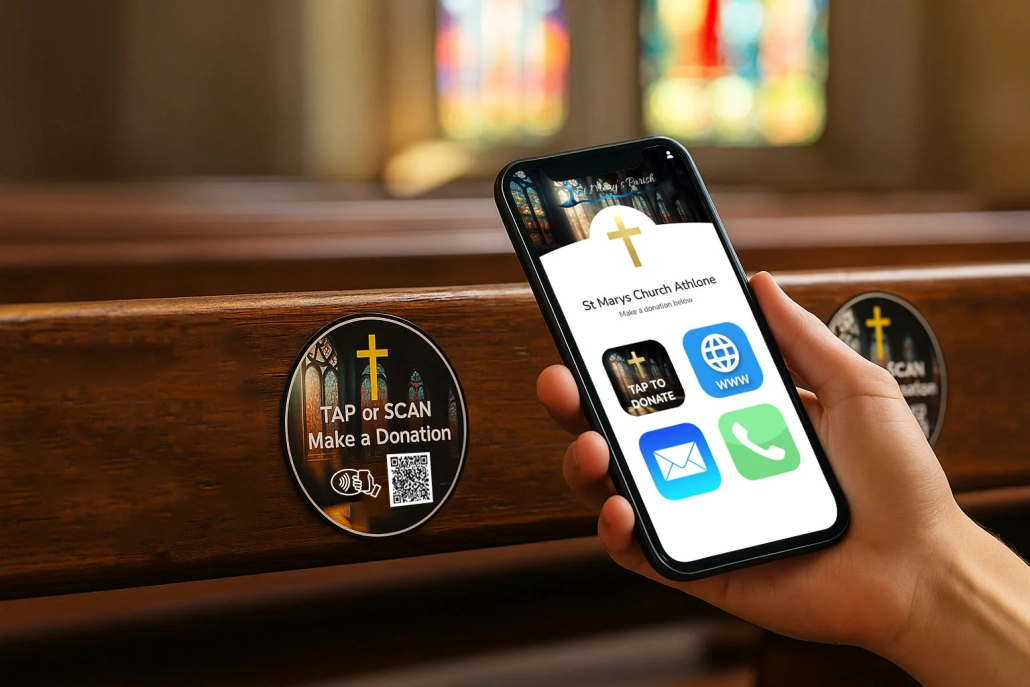
Church Accounting Software | Simplify Donations & Fund Management
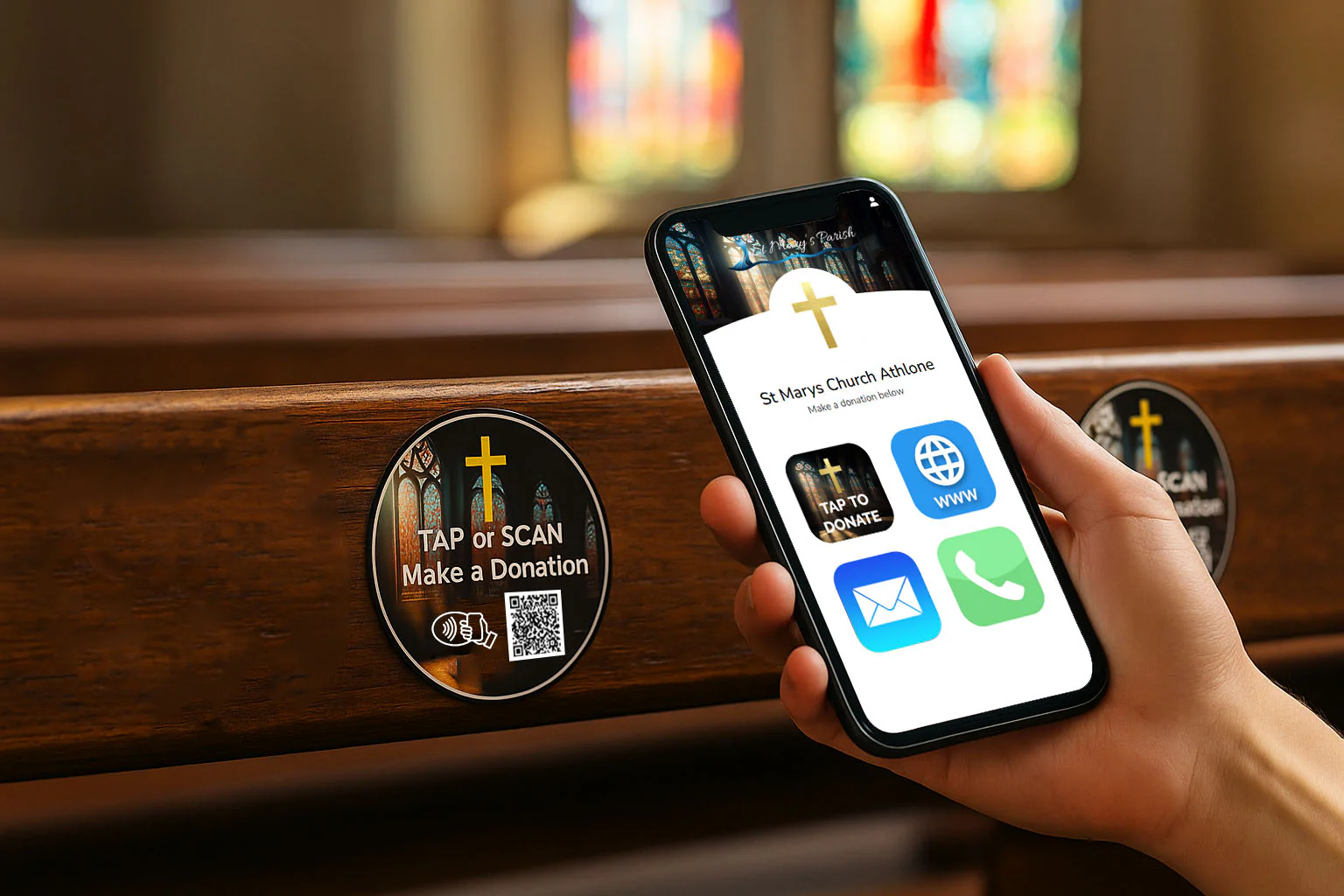
Church Accounting Software
Church Accounting Software: The Complete Guide for Your Ministry
In today’s digital age, managing a church’s finances can be overwhelming. From budgeting to reporting and compliance, church leaders need tools that simplify financial tasks so they can focus on ministry. That’s where church accounting software becomes essential.
This guide explores what church accounting software is, why it’s important, key features to look for, top solutions, implementation tips, and answers to commonly asked questions.
What Is Church Accounting Software?
Church accounting software is a specialized financial management system designed to meet the unique needs of religious organizations. Unlike generic accounting platforms, church accounting solutions are tailored to handle:
-
Fund accounting (tracking restricted and unrestricted funds)
-
Donation and pledge management
-
Tithes and offerings
-
Budgeting and forecasting
-
Reporting for boards and auditors
-
Compliance with nonprofit accounting standards
Because churches often receive contributions with specific designations (e.g., missions, building fund), they require software that accurately tracks and reports fund allocation. This makes church accounting software a cornerstone of responsible stewardship.
Why Your Church Needs Accounting Software
Churches operate like nonprofits, with distinct financial challenges. Manual spreadsheets or generic accounting packages often fall short. Here’s why investing in church accounting software is important:
1. Accurate Fund Tracking
Churches handle multiple funds simultaneously. A specialized system ensures contributions are recorded in the right category. This helps with budgeting and transparency.
2. Simplified Donation Recording
With integrated donation management, your team can easily record tithes, offerings, and pledges. Automated receipts also enhance donor relations.
3. Compliance and Reporting
Churches must comply with nonprofit financial standards. Church accounting software enables detailed reports for boards, auditors, and regulatory compliance.
4. Time Savings
Automated processes reduce manual data entry and human error. This frees up staff and volunteers to focus on ministry tasks, not paperwork.
5. Secure Financial Data
Modern accounting systems secure financial data with encryption, role‑based access, and regular backups. This protects your church from loss and unauthorized access.
Top Features to Look for in Church Accounting Software
Choosing the right software depends on your church’s needs, size, and budget. Below are the key features any good church accounting solution should offer:
1. Fund Accounting
Churches must track funds separately (e.g., general fund, missions, building). Fund accounting lets you monitor each category individually.
2. Donation and Contribution Tracking
An integrated donation module that records tithes, offerings, and recurring gifts is essential. It should also support donor statements and acknowledgements.
3. Budgeting Tools
Software with forecasting and budget planning tools helps your church manage expenses effectively.
4. Financial Reporting
Customizable reports for cash flow, balance sheets, and fund statements improve transparency and decision‑making.
5. Multi‑User Access
Role‑based permissions allow different staff or volunteers to access only what they need.
6. Integration with Other Church Systems
Integration with your church management system (ChMS) ensures seamless data flow between attendance, membership, and giving.
7. Security and Backup
Church financial data is sensitive. Look for software with strong security protocols and regular backups.
8. Cloud Access
Cloud‑based solutions allow access from anywhere, making remote bookkeeping easier.
How Church Accounting Software Works
Church accounting software automates financial tasks while maintaining compliance with nonprofit standards. Here’s a typical workflow:
-
Setup Chart of Accounts
Define fund accounts such as general, missions, benevolence, and building. -
Record Donations and Contributions
Enter contributions manually or sync with online giving platforms. -
Monitor Funds and Budget
Review fund balances and track expenses against budgets. -
Generate Reports
Produce financial statements for leadership and auditors. -
Export Data for Tax and Audit
Easily export reports to share with tax preparers or auditors.
Comparing the Best Church Accounting Software Options
Here are some popular church accounting tools (note: these are examples; features and pricing should be researched before choosing):
| Software | Best For | Key Strengths |
|---|---|---|
| ChurchTrac | Small to Mid‑Size Churches | User‑friendly, affordable, donation tracking |
| Aplos | Growing Churches & Nonprofits | Fund accounting, dashboards, donor management |
| QuickBooks (Nonprofit Version) | Churches with Finance Staff | Powerful reporting, reputable brand |
| PowerChurch Plus | Mid‑Size Churches | Built‑in ChMS integration, strong fund tracking |
| Breeze | Small Churches | Easy to use, cloud‑based, donor statements |
Choosing the best solution depends on your church’s size, technical skill level, and budget. Always evaluate free trials and user support when making a decision.
Step‑by‑Step Guide to Implementing Church Accounting Software
Implementing new software can feel overwhelming. Here’s a smooth roadmap:
Step 1: Define Your Needs
Consider:
-
Number of users
-
Funds and programs you manage
-
Reporting requirements
-
Integration with giving platforms
Step 2: Budget and Select Software
Balance cost with features. Avoid overspending on tools you won’t use.
Step 3: Migrate Your Data
Import historical giving and expense data. Test accuracy before going live.
Step 4: Train Your Team
Ensure volunteers and staff understand how to use the software correctly.
Step 5: Establish Best Practices
Set processes for data entry, approvals, and regular reporting.
Step 6: Back Up Regularly
Even with cloud solutions, maintain backups for extra peace of mind.
Common Challenges Churches Face with Accounting—and How Software Helps
Church accounting has unique hurdles. Here’s how software solves them:
Challenge: Fund Misallocation
Solution: Fund accounting modules prevent mixing restricted and unrestricted funds.
Challenge: Manual Donation Tracking
Solution: Automated contribution tracking reduces errors and saves time.
Challenge: Complex Reporting
Solution: Pre‑built financial statements make transparency easier.
Challenge: Limited Financial Expertise
Solution: Intuitive dashboards and support resources help even volunteers manage finances confidently.
Church Accounting Best Practices
To get the most value from your accounting software, follow these best practices:
1. Keep Your Chart of Accounts Simple
Avoid overly complex structures. Use clear fund names that everyone understands.
2. Reconcile Bank Accounts Regularly
Monthly reconciliations catch errors early.
3. Use Recurring Donations
Encourage recurring giving to stabilize cash flow and automate records.
4. Review Reports with Leadership
Monthly financial reports ensure accountability and informed decision‑making.
5. Secure Financial Access
Grant permissions carefully and rotate passwords for security.
Frequently Asked Questions (FAQs)
What is the difference between church accounting software and regular accounting software?
Church accounting tools are built for fund accounting, donation tracking, and nonprofit reporting—features not always found in generic software.
Can small churches benefit from church accounting software?
Yes. Even smaller churches gain transparency, time savings, and accurate fund tracking with affordable systems.
Is cloud‑based software better than desktop software?
Cloud‑based solutions offer remote access, automatic updates, and simpler backups, making them ideal for most churches.
How much does church accounting software cost?
Prices vary widely, from free or low‑cost plans for small churches to higher subscription fees for larger organizations with advanced needs. Always compare features.
Do these solutions integrate with online giving platforms?
Many church accounting systems integrate with popular giving tools, making donation reconciliation faster and more accurate.
Conclusion: Invest in Smart Financial Management for Your Church
Managing a church’s finances doesn’t have to be stressful. Church accounting software empowers your organization with accurate fund tracking, simplified reporting, and secure financial management—all while saving time and reducing errors.

