Church App Builders: How to Choose (and Launch) the Perfect App for Your Ministry
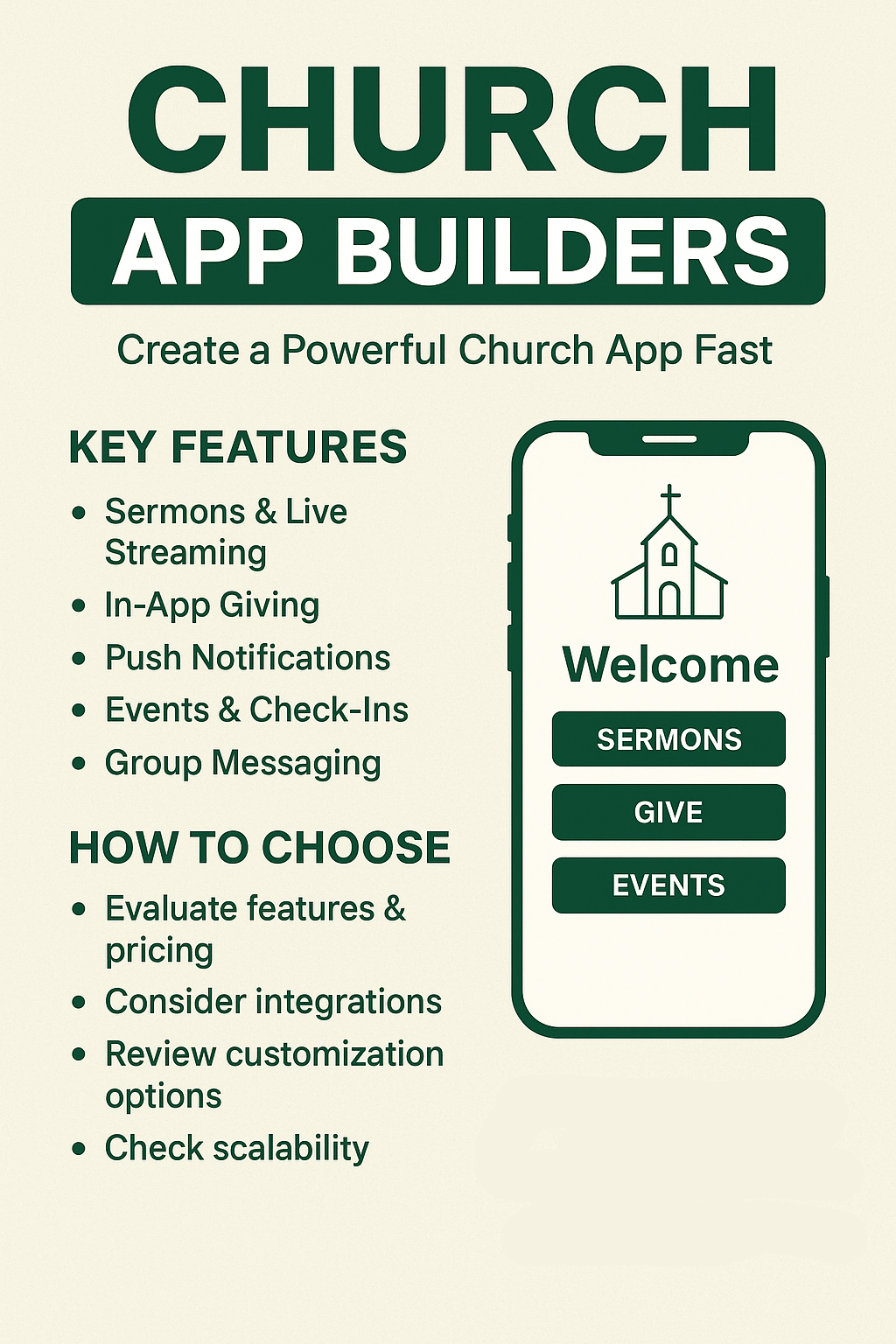
A modern congregation expects mobile access—sermon replays, giving, events, Bible notes, groups, and alerts—right on their phones. That’s why searches for church app builders keep rising. This guide shows you what to look for, common pitfalls, and how to launch an app that actually gets used (not just downloaded).
In today’s digital age, having a mobile app is no longer a luxury but a necessity for churches aiming to engage with their members effectively. A well-designed church app can serve various purposes, ranging from providing easy access to sermon archives to facilitating seamless online giving and event management. As congregations become more tech-savvy, the demand for church app builders continues to rise. This trend emphasizes the importance of selecting the right features and functionality that will not only meet the current needs of your church but also adapt to its growth over time.
What Is a Church App Builder?
A church app builder is a no-code or low-code platform that lets ministries design, launch, and manage a branded mobile app without hiring a full development team. Most offer drag‑and‑drop modules for sermons, live streaming, giving, events, push notifications, and small-group resources.
Must‑Have Features to Prioritize : Church App Builders
When considering the features of a church app, it is important to analyze how each feature can enhance the user experience. For instance, integrating live streaming capabilities allows members to participate in services remotely, making the church more accessible to those who cannot attend in person. Additionally, providing a sermon video/audio library with search and playlists can encourage members to revisit past messages and deepen their understanding of the teachings.
1. Content & Media
-
Sermon video/audio library with search & playlists
-
Live stream integration (YouTube, Vimeo, RTMP)
-
Devotionals, Bible reading plans, and blog posts
2. Giving & Finance
Integration with various giving platforms is vital as it simplifies the donation process for members. Offering multiple payment options—such as credit cards, PayPal, and mobile money services like M-Pesa—ensures that users can contribute using their preferred method, ultimately increasing the likelihood of regular donations.
-
In‑app giving (cards, mobile money, PayPal, M-Pesa, Stripe)
-
Recurring donations & pledge tracking
-
Auto-generated receipts/emails
3. Engagement Tools
Engagement tools like prayer request walls or testimonies boards not only foster community among members but also keep the congregation connected and involved. These features encourage individuals to share their experiences and support one another, promoting a sense of belonging.
-
Push notifications & targeted alerts
-
Prayer request wall / testimonies board
-
Small-group chats or integration with WhatsApp/Slack
4. Events & Check‑ins
Events and check-in functionalities are crucial for managing church gatherings effectively. Having a calendar with RSVP options allows members to keep track of upcoming events and enables the church to gauge attendance, ensuring that resources are allocated appropriately.
-
Calendar with RSVP and reminders
-
Child check‑in and volunteer sign-ups
-
QR code or NFC check-in support
5. User Accounts & Personalization
Personalizing user accounts enhances the app experience by allowing members to create profiles that reflect their ministry roles. Saved sermons, notes, and favorite playlists enable users to curate a tailored experience, leading to increased engagement with the app’s content.
-
Member profiles with ministry roles
-
Saved sermons, notes, and favorite playlists
-
Role-based content (leaders vs members)
6. Multi-Campus Support
Multi-campus support is particularly important for larger churches with multiple locations. A campus selector feature helps members easily find relevant information about their church location, enhancing usability and engagement.
-
Campus selector (locations, times, pastors)
-
Campus-specific announcements & events
7. Integrations & API Access
-
Sync with your Church Management System (attendance, giving, groups)
Integrations with existing systems like Church Management Software are essential for streamlining operations. By syncing attendance records, giving data, and group information, churches can better manage their activities and maintain up-to-date records.
-
Zapier / webhooks for automation
-
Google Calendar, Mailchimp, Planning Center, Rock RMS, etc.
8. Analytics & Insights
-
Downloads, active users, session length
Analytics and insights are vital for understanding user behavior within the app. By tracking downloads, active users, and session lengths, churches can gain valuable feedback that can inform future updates and improvements to their app.
-
Push notification open rates
-
Giving & media engagement dashboards
9. Branding & UX
Branding and user experience play a crucial role in how members perceive the app. Custom colors, logos, and splash screens help reinforce the church’s identity, while an intuitive interface enhances user satisfaction.
-
Custom colors, logo, splash screen
-
App Store / Play Store publishing under your church name
-
Offline mode for sermon downloads
10. Security & Compliance
Security and compliance should never be overlooked. It’s imperative that the app protects sensitive data through encryption and offers role-based permissions to safeguard member information, especially for giving and children’s data.
-
Secure giving (PCI-DSS), data encryption
-
GDPR/POPIA compliance if you have EU/SA members
-
Admin roles & permission control
Popular Types of Church App Builders (Pros & Cons)
When comparing various church app builders, it’s essential to weigh the pros and cons of each type. For instance, template-based builders may be quick to implement but might limit customization. In contrast, custom-built apps can offer complete flexibility but often come with higher costs and longer development times.
| Type | Pros | Cons | Best For |
|---|---|---|---|
| Template-Based Builders (e.g., Subsplash, Tithe.ly Apps, Pushpay) | Fast launch, church-specific modules, support included | Monthly fees, limited customization, lock-in | Churches wanting speed & simplicity |
| Generic No-Code App Builders (e.g., Glide, Adalo, AppGyver) | Flexible, cheaper at scale, build any workflow | Requires design/logic skills, fewer church integrations | Tech-savvy teams, unique features |
| Custom-Built Apps (Agencies/Devs) | 100% custom, integrate everything, own your code | High upfront cost, longer build time, maintenance burden | Mega churches, denominations, networks |
| Open Source + Dev Team (e.g., Flutter/React Native + CMS) | Full control, no vendor lock | Requires developers & devops | Ministries with internal dev teams |
How to Evaluate Church App Builders (Checklist)
Developing a checklist can help ensure that no essential criteria are overlooked when evaluating church app builders. This process should include setting measurable goals, identifying the target audience, and determining which integrations are necessary for a functional and user-friendly app.
-
Goals: Sermon access? Giving? Small groups? Define top 3 outcomes.
-
Audience: Android vs iOS split? Data costs? Tech comfort?
-
Content Plan: What will you publish weekly to keep users coming back?
-
Budget & Ownership: Monthly SaaS vs one-time build; who owns the code/data?
-
Integrations Needed: CMS, giving, live stream, SMS?
-
Scalability: Can it handle 10,000 users and multiple campuses?
-
Analytics: Does it show engagement so you can improve?
-
Support & Training: Will the vendor onboard your team?
-
Publishing & Updates: Who submits to the stores and handles updates?
-
Security & Compliance: Especially for giving and children’s data.
Common Mistakes Churches Make : Church App Builders
Avoiding common mistakes is crucial when launching a church app. For example, failing to develop a content calendar can lead to stagnation, causing users to lose interest. Conversely, a well-planned content strategy will keep users engaged and encourage them to return to the app regularly.
-
Launching without a content calendar: Users download once and never return.
-
Ignoring push notification strategy: Notifications are your #1 re-engagement tool.
-
No integration with church data: Double entry kills momentum; connect to your CMS.
-
Overbuilding: Start lean, add features after adoption.
-
Forgetting analytics: If you can’t measure it, you can’t improve it.
Implementation Roadmap (4 Weeks Sample) Church App Builders
Implementing a structured roadmap for app development can significantly enhance the launch process. During the launch phase, promoting the app and training staff on its features will ensure a smooth transition and encourage user adoption.
Week 1 – Strategy & Setup
-
Clarify goals & audiences
-
Pick builder, confirm budget
-
Gather brand assets (logo, colors, voice)
Week 2 – Build & Integrate
-
Configure modules (sermons, giving, events)
-
Set up integrations (CMS, payment gateways)
-
Draft push notification plan
Week 3 – Content & Testing
-
Upload initial sermon series & devotionals
-
Internal beta test with staff & key volunteers
-
Fix UX issues, refine navigation
Week 4 – Launch & Promote
-
Submit to stores (or publish PWA link)
-
Announcement campaign: Sunday service, social, WhatsApp blasts
-
Train leaders and volunteers on usage
Post-Launch: Monthly content drops, analytics review, feature iteration.
FAQ: Church App Builders
Addressing commonly asked questions can help demystify the app-building process for churches. Providing clear information on pricing, integration capabilities, and data privacy will enable church leaders to make informed decisions when choosing a builder that meets their needs.
1. Do we need a native app or will a mobile-friendly website do?
If you want push notifications, offline sermon downloads, or presence in app stores, go native. For basic info-only access, a responsive site may suffice. However, keep in mind that a native app can significantly enhance user engagement by providing functionalities that a mobile-friendly website cannot.
2. How much do church app builders cost?
Template church app platforms range from $50–$300/month. Custom builds can start at $5,000 and go past $50,000 depending on complexity.
3. Can we integrate M-Pesa or local mobile money?
Ensure that your chosen builder supports local payment methods. Many generic builders do not natively support M-Pesa. Therefore, selecting a provider that allows webviews/API calls or specializes in African payment methods is crucial for effective fundraising.
4. How do we keep people using the app?
Consistent content updates, smart push notifications (not spam), and features people value (sermon clips, devotionals, small group resources).
5. What about data privacy (GDPR, etc.)?
When selecting a church app builder, prioritize vendors that implement robust data protection measures, including encryption, clear role-based permissions, and comprehensive compliance documentation to ensure the safety and privacy of your congregation’s information.