Bible Study Curriculum Platforms: Choose the Right One for Your Church
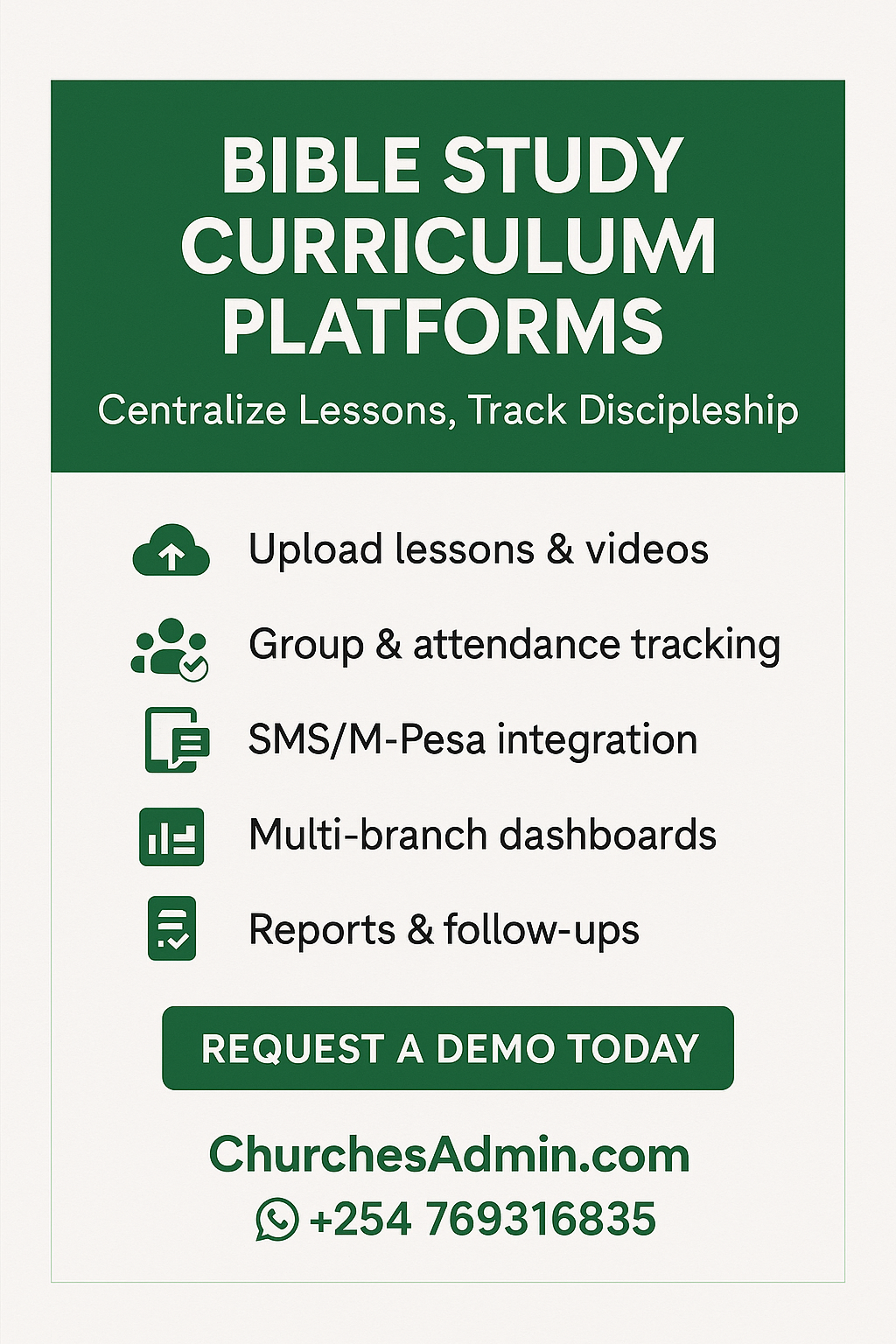
If your ministry is juggling WhatsApp PDFs, scattered Google Docs, and outdated print guides, it’s time to explore bible study curriculum platforms that centralize lessons, track engagement, and measure spiritual growth. At ChurchesAdmin.com, we help Kenyan and global churches deliver structured discipleship—from small groups to nationwide fellowships.
Website: ChurchesAdmin.com
Call/WhatsApp: +254 769316835
What Is a Bible Study Curriculum Platform?
A bible study curriculum platform is a digital tool that lets churches plan, deliver, and track scripture-based lessons. Think of it as a content hub plus a learning tracker: upload lesson plans, assign groups, monitor attendance/participation, and automate follow-ups or quizzes.
Why Your Church Needs One
-
Consistency & Doctrine Integrity: Ensure every class, cell, or small group sticks to approved doctrine and teaching outlines.
-
Easy Distribution: Lessons, videos, and worksheets are one click away—no more lost files.
-
Engagement Tracking: Know which groups are active, who completed which module, and who needs follow-up.
-
Multi-Branch Scalability: Roll out the same discipleship path across all your campuses.
-
Data & Reports: Get instant stats on attendance, lesson completion, and group growth.
Must-Have Features in Bible Study Curriculum Platforms
-
Central Content Repository
-
Upload PDFs, videos, audio sermons, slides, and quizzes.
-
Version control to update materials without confusion.
-
-
Group & Class Management
-
Assign content to specific ministries (Youth, Women, Men, Teens).
-
Schedule start/end dates for each curriculum series.
-
-
Progress Tracking & Assessments
-
Attendance logs, completion checklists, short quizzes or reflections.
-
Leader dashboards to monitor disciple growth.
-
-
Communication Tools
-
Automated reminders (SMS/email) before sessions.
-
Follow-up prompts for absent members.
-
-
Mobile-Friendly Access
-
Responsive web or app access so members can study on the go.
-
-
Multi-Campus Control
-
Permissions for pastors, group leaders, and regional overseers.
-
Consolidated reports per branch or ministry.
-
-
Integrations & Payments (Optional)
-
M-Pesa/Stripe/PayPal if you sell premium study guides.
-
Export to PDF/Excel for board reports.
-
How ChurchesAdmin.com Supports Bible Study Curriculum Delivery
While many “bible study curriculum platforms” focus only on content hosting, ChurchesAdmin.com goes further by tying curriculum to attendance, finance, communication, and overall church admin.
-
Lesson Library: Store lesson outlines, scripture plans, devotionals, and multimedia resources.
-
Group Scheduling: Link lessons to specific dates and leaders; auto-send reminders.
-
Attendance + Completion Logs: Record who attended, who finished readings/assignments.
-
Follow-Up & Discipleship Paths: Tag members for next-level classes (e.g., New Believers → Baptism Class → Ministry Training).
-
Reports & Dashboards: Visualize participation trends for pastors and board meetings.
-
M-Pesa Integration: Optional monetization of premium study materials or retreat fees.
-
Secure Access: Role-based permissions keep sensitive materials safe.
Call/WhatsApp: +254 769316835 to book a live demo.
Comparison Snapshot (Use This in Your Decision) Bible Study Curriculum Platforms
| Feature / Need | Generic Curriculum Site | Learning LMS | ChurchesAdmin.com |
|---|---|---|---|
| Bible-focused workflow | Sometimes | No | Yes |
| Group attendance & tithe link | No | Rare | Yes |
| Multi-branch dashboards | Limited | Limited | Full |
| SMS (Kenya-centric) | No | No | Yes (M-Pesa ready) |
| Finance + Curriculum in one | No | No | Yes |
| Custom roles for pastors/leaders | Limited | Yes | Yes |
| Local support (Kenya/Africa) | No | No | Yes |
Steps to Pick the Right Platform: Bible Study Curriculum Platforms
-
List Your Teaching Flow: New members, discipleship classes, leader training.
-
Define Data You Need: Attendance, completion, quizzes, feedback.
-
Check Integration Needs: M-Pesa, SMS, your existing church admin system.
-
Pilot With One Group: Run a 4–6 week test and gather feedback.
-
Roll Out Churchwide: Train leaders, communicate to members, monitor reports.
Frequently Asked Questions (FAQ) Bible Study Curriculum Platforms
1. What’s the difference between a bible study curriculum platform and a generic LMS?
Most LMSs are built for schools or corporate training. A bible study curriculum platform aligns with ministry language—scripture references, discipleship stages, and pastoral reports. ChurchesAdmin.com blends LMS-like features with full church admin tools.
2. Can I upload my own curriculum and videos?
Yes. Upload PDFs, slides, audio sermons, and embed YouTube/Vimeo links. Update content anytime.
3. Do members need to create accounts to access lessons?
You control access. Public devotionals can be open, while discipleship tracks require login. Role-based permissions protect sensitive content.
4. Can I track attendance and lesson completion together?
Absolutely. Each session logs attendance and marks lesson milestones—perfect for discipleship metrics.
5. How much does it cost?
ChurchesAdmin.com charges a simple monthly fee (KES 5,000 for multi-branch) plus a one-time setup. Call +254 769316835 for a tailored quote.
Call to Action : Bible Study Curriculum Platforms
Ready to deliver structured discipleship with a powerful bible study curriculum platform?
-
Visit: ChurchesAdmin.com
-
Call/WhatsApp: +254 769316835
-
Request a Demo: Let’s map your curriculum and set you up fast.