Church Letterhead: 7 Checks for a Reliable Office Template
A church letterhead should answer two questions before a recipient reads the body of the letter: which church sent this, and how can I reply through its office? An ornate crest cannot answer either question if the branch name is missing or the telephone number belongs to someone who left years ago. Good stationery starts with accurate identity and contact details.
This guide shows how to create one practical master for the church office, test it with a short invitation and a longer letter, and hand it over to the next secretary. It covers the document template itself. The authority to issue a particular letter, make a commitment or sign on behalf of a church must still come through the church’s own arrangements.
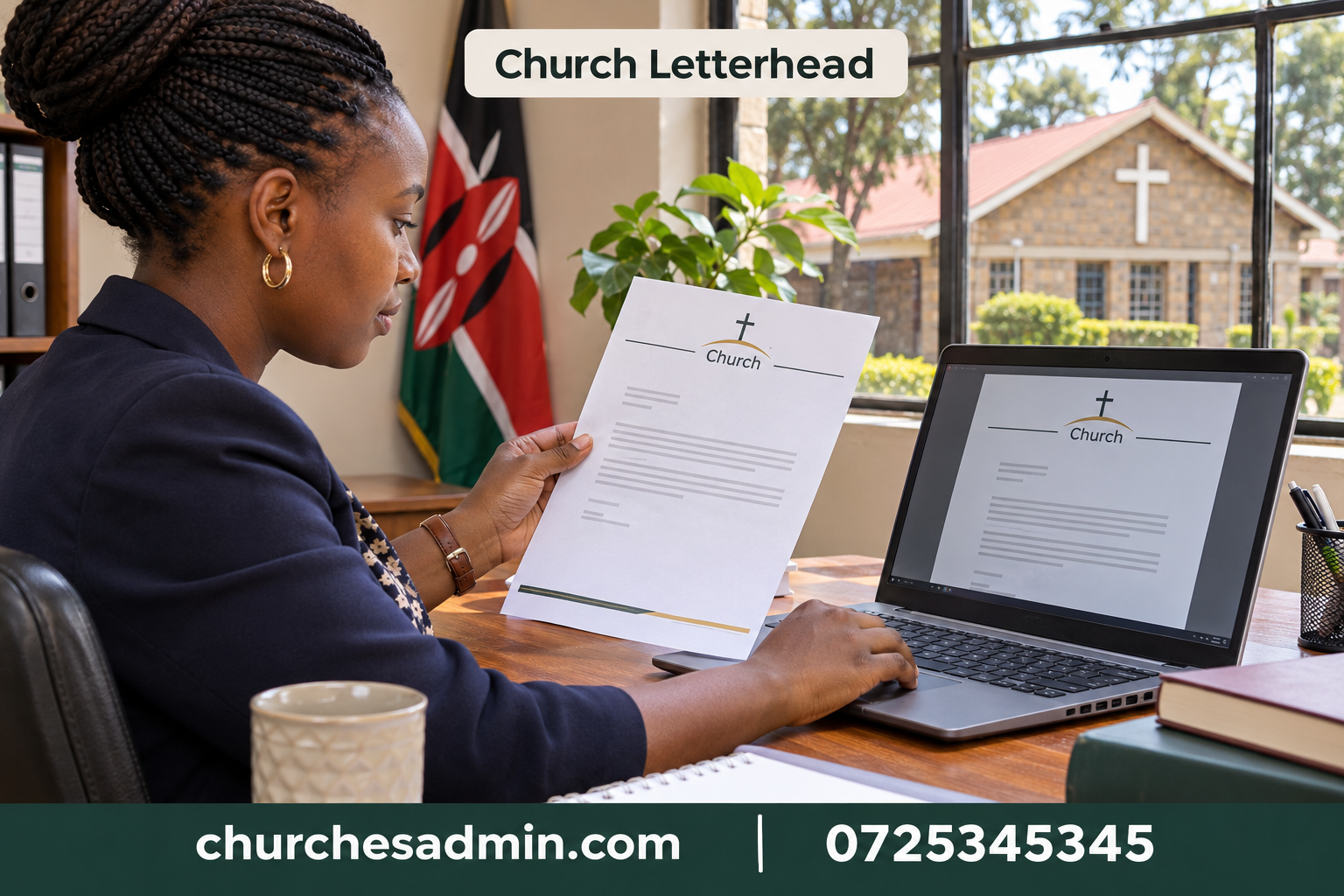
1. Agree the exact identity on the church letterhead
Write the approved church name exactly as it should appear in correspondence. If the church belongs to a larger organisation or has several branches, clarify which name represents the sender and which is a descriptor. A recipient should be able to distinguish the local office from a regional or national body without having to recognise a logo.
Ask the appropriate leader to confirm any denominational wording, symbols or affiliations before printing. Do not copy a crest from a website simply because the congregation shares a tradition. The local office may have an approved version with specific wording or placement. Keep that source file with the template so that a new volunteer does not have to search for it again.
Choose the branch convention at the beginning. For example, the master might show “[approved church name] — [branch or locality]” and repeat the office contact in a small footer. If several branches share the master, make the branch field conspicuous while drafting and mandatory before issue. A beautifully formatted letter sent under the wrong branch identity is still the wrong letter.
2. Select church letterhead contact details that remain useful
Include only channels somebody actually monitors. A general office email, office telephone and useful address may be enough. Avoid filling the footer with every ministry contact, social profile and individual leader’s number. A letterhead should remain usable when an office holder changes or a volunteer is away for a week.
Distinguish a postal address from the physical meeting location. If people deliver documents to one place and attend services at another, label both only when needed. Do not present an informal landmark as though it were a postal address. A recipient replying to a formal request needs the correct route, not a collection of geographical clues.
Test the church letterhead contact block through ordinary office procedures. Ask a colleague to read the printed number aloud, locate the email in a PDF and identify the correct office from the address. Confirm that the spelling and domain are current. Use the church communication plan to assign responsibility for monitoring and reviewing the channels printed on official stationery.
3. Leave room for the actual letter
A decorative header should not consume the space needed for a clear message. Build a test page containing a date, recipient address, subject line, salutation, four paragraphs and a signature block. If a routine one-page letter spills onto a second page because of a large header, the design needs adjustment before the office begins shortening its correspondence to fit the artwork.
Set consistent margins and choose a readable body font. Avoid using the decorative lettering from the logo throughout the document. The church name can carry personality while the message remains easy to read. Check the template with the office printer, including the non-printable margins that may trim a coloured band or footer line.
Think about writing space around the signature. A printed name, role and contact route may need room beneath a handwritten signature or an approved electronic process. Do not embed a reusable personal signature in a broadly shared blank master. Whoever can open the blank design should not automatically receive the appearance of someone else’s approval.
4. Define the first and later pages separately
The first page identifies the sender and recipient. A continuation page usually needs a smaller header or a simple reference, page number and date according to the church’s practice. Repeating the full decorative header on every page can waste space and make the document feel like several separate letters rather than one complete message.
Create a test letter that runs to two pages and one that runs to three. Check whether the subject, paragraph breaks, signature and attachments remain sensible. A final page containing only a signature or a single closing sentence may indicate excessive margins or an awkward manual break. Adjust the master or the letter deliberately rather than shrinking the entire document.
Compare the printed and PDF versions. Some office printers handle a different first-page header correctly while a PDF export shifts the footer or substitutes a font. Print the second page as well as the first. A continuation sheet with no identifying information can become detached and difficult to reconnect with the original correspondence.
5. Separate fixed church letterhead content from changing fields
Fixed elements are the approved name, approved artwork, office contact block and standard page layout. Changing elements include the issue date, recipient, subject, reference, signatory and any enclosure details. Assign a clear style or placeholder to each changing field. Remove sample recipient details from the blank master.
Use descriptive placeholders such as “[recipient organisation and branch]” instead of a realistic-looking name that a hurried volunteer may forget to replace. At the final proof, search for remaining placeholders and read the completed letter from the recipient’s perspective. A search is useful, but it cannot catch a real name left behind from last month’s correspondence.
Use the church invitation letter examples to test the master with an ordinary request. The template should support a clear subject and RSVP instruction without turning those items into permanent text. A training invitation and a meeting confirmation can share the same letterhead while asking entirely different things of the recipient.
6. Set church letterhead approval and issue rules
Name the role that owns the master and the roles permitted to issue particular kinds of correspondence. An administrator may prepare a draft without being authorised to sign a commitment or speak for another ministry. Clarify the route for approval rather than assuming that access to the letterhead supplies authority automatically.
Record the final issue date, recipient or recipient role, subject and approved signatory through the office’s usual process. Keep an issued copy distinct from a draft. Where a request changes after approval, decide whether the revised letter needs a new review. Changing a date or financial commitment is more significant than correcting a missing comma.
The church leadership roles guide helps make these boundaries visible. Keep the process proportionate: a routine acknowledgement need not follow the same review as a major commitment unless church policy requires it. Staff should know which route applies and whom to ask when a case does not fit an established example.
7. Review the church letterhead when details change
Make a short list of events that trigger a master review: an office move, a branch change, a new monitored email, a revised logo or a change in authorised signatory practice. Check printed stationery, digital templates and any form that reuses the contact block. Correcting only the main Word document does not update a stack of old printed paper.
When replacing a master, give the new version an effective date and identify where it is stored. Keep an archival copy where appropriate, but remove old versions from everyday use. Tell volunteers exactly what changed. “Use the master dated [date]; the reply address has changed” is more useful than sending an unexplained file named latest-final.
Use the church office handover guide to transfer ownership when a secretary changes. Ask the incoming person to create a fictional one-page letter and export it. That exercise reveals missing fonts, inaccessible files or unclear approval instructions before the first real letter is due.
Worked example: a branch office changes its telephone number
Imagine the head office number remains the same while the local branch switches to a new, monitored contact. The committee initially proposes printing both numbers without labels. A test reader calls the head office about a local workshop and is asked to call again. The problem is not a lack of contact information; it is an unclear choice between two correct numbers.
The revised church letterhead labels the local office number as the reply route and gives the head office contact only where relevant. The workshop invitation repeats the local RSVP route near its closing paragraph. The office checks the PDF, printed stock and any email attachment previously prepared for the event. It also tells the person answering the old number how to direct genuine enquiries during the agreed transition.
This example illustrates why a useful master needs an owner. An unlabelled second number can remain on stationery for years because every individual item looks plausible. Give someone responsibility for checking whether the complete letter makes sense to a recipient with no inside knowledge of the church’s office structure.
A copyable church letterhead proof checklist
Write these prompts on the review sheet: approved church and branch name; correct logo file; monitored reply channel; issue date and recipient; subject and authority; clear signature area; printed first page; printed continuation page; PDF on a phone; owner and effective date. Put a name beside each check that needs a different person’s knowledge.
Add one deliberately difficult test letter. Use a long recipient name, a two-line subject and an attachment reference. Check that nothing overlaps the header, the body remains readable and the closing does not land alone on a third sheet. A master that survives the difficult case usually handles routine correspondence with less adjustment.
If your team organises records with ChurchesAdmin, connect issued correspondence with the relevant meeting or activity through the approved office workflow. Keep the final document accessible to the people who need it, and keep the editable master under the appropriate control. A good church letterhead quietly does its job: the sender is clear, the recipient can reply, and the letter can be understood after it leaves the office.
## Test the church letterhead with a correction letter
Imagine an invitation was issued with the wrong hall name. The office now needs to correct the venue without implying that the date or purpose changed. At the top of the new letter, identify the recipient, the original issue date and the subject. In the first paragraph say exactly which detail changed. A clear church letterhead identifies the sender, while the body of the correction identifies what the recipient must do differently.
Prepare a paper and PDF version. In the paper proof, check that the corrected location and the closing remain on the same sheet where practical. In the PDF, confirm that the recipient cannot see comments or tracked drafting notes. Read the office reply address in the exported version, not only in the editable master. Then file the correction with the original issued copy through the normal office process.
This is a useful training exercise because it tests more than the visual design. The volunteer must select the right branch, find the original correspondence, identify the authorised signatory and use the current template. If any step depends on knowledge held by one person alone, add a short instruction to the handover. Keep those instructions outside the public letter. The reader needs a clear correction, not the office’s internal approval history.
Repeat the test after a stationery change. A new church letterhead can alter page breaks, reference placement or the visibility of the footer. One realistic correction letter will reveal those effects more reliably than admiring an empty template on a large screen.
Keep one clean printed reference in the office with the master’s effective date. When a printer setting changes, compare the new output with that reference before producing a large batch of letters on an altered layout.
Other websites to explore
Additional websites: prim.co.ke, zama.co.ke, vega.co.ke, awasa.co.ke, saseni.com, jaat.co.ke, tas.co.ke, dereva.co.ke, zes.co.ke.